Microsoft 365 security guide
Microsoft 365 security evidence for accountancy firms
Your practice exchanges tax records, payroll information and payment instructions with clients. Before a busy reporting period or insurance renewal, establish how the Microsoft 365 accounts used for that work are protected, what your outsourced IT team can evidence and which accounting systems need a separate review.
Published · Last reviewed · By CyberProva
Run your free Microsoft 365 security assessmentNo card required · Optional read-only Microsoft 365 connection
Follow the client information through your practice
Start with a typical engagement: documents arrive by email or a client portal, staff prepare the work and the results go back to the client. Identify where Microsoft 365 is used and where other providers hold the information.
- List the mailboxes, Teams spaces and SharePoint or OneDrive locations used for client work.
- Include payroll teams, temporary staff and outsourced bookkeeping arrangements in the access discussion.
- Record the accounting, tax, payroll and document portals that sit outside the Microsoft 365 assessment.
- Ask who removes access when a staff member, contractor or client engagement changes.
Review account protection and payment-change procedures together
A compromised mailbox can make a fraudulent request look familiar. Technical settings and the practice's approval process need separate evidence; neither establishes that every payment instruction is genuine.
- Request MFA enforcement and exclusion evidence for partners, staff and privileged provider accounts.
- Ask the provider to review forwarding and mailbox rules and explain any legitimate external destinations.
- Confirm how a request to change bank or payroll details is checked using a contact route already known to the practice.
- Use a redacted example of the approval record to discuss whether the process is followed, without uploading client bank details.
Prepare for reporting deadlines and provider handovers
Recovery and access gaps can become urgent when a payroll run, accounts submission or tax deadline depends on the affected service. Ask for evidence for those dependencies before treating a general backup statement as sufficient.
- Confirm which client files, mailboxes and application data are included in backup coverage.
- Request a completed restore-test record for a representative workflow and ask what was excluded.
- Review access granted to seasonal staff before and after the busy period.
- Agree who will resolve outstanding evidence requests and when the partners will revisit them.
Where to check this in Microsoft 365
Ask your authorised administrator to inspect these areas for the accounts, services and devices in scope. These are review locations, not instructions to change settings without a plan.
MFA: Conditional Access or Security Defaults
Microsoft Entra admin centre: Entra ID > Conditional Access > Policies; Entra ID > Overview > Properties > Security defaults; Authentication methods > Activity for registration reports.
Conditional Access needs Entra ID P1 or P2; Business Premium includes P1. Security Defaults is available with Entra Free and is an alternative baseline, not an additional layer to enable alongside Conditional Access.
External email forwarding: Exchange Online
Exchange admin centre: Recipients > Mailboxes > mailbox forwarding, plus Mail flow > Rules and remote-domain settings. Review inbox rules separately. In Microsoft Defender, inspect outbound anti-spam policies and their external-forwarding settings.
Recovery: Exchange/SharePoint retention and backup
Microsoft Purview: Data Lifecycle Management > Retention policies and relevant retention labels; review Exchange deleted-item and SharePoint/OneDrive recycle-bin/restore settings with the administrator. Inspect the separate backup service and its recovery records.
Retention, version history and recycle bins offer different recovery functions. Do not assume they are equivalent to an independently managed backup or satisfy the insurer's definition. Confirm the licensed recovery features and actual restore requirements.
What CyberProva can check automatically
Read-only observations depend on the selected plan, Microsoft licensing, consent and available data. Missing access is a gap, not a pass. Review the documented permissions and deployment limitations.
- MFA: Conditional Access or Security Defaults: Core: selected Conditional Access policy observations. Business and above advanced assessments: supported MFA registration, policy-coverage and Security Defaults observations. These are not proof that every sign-in is protected.
- External email forwarding: Exchange Online: CyberProva's basic Graph connection does not enumerate Exchange inbox rules, mailbox forwarding or transport rules. These are evidence-based controls, not automatic mailbox-content checks.
- Recovery: Exchange/SharePoint retention and backup: CyberProva does not automatically validate retention coverage, backup isolation or restore success. Recovery controls require supplied records and organisation review.
What you should request from your IT provider
Keep the source, date, scope, exceptions and reviewer with each record. Submission and acceptance are separate; your organisation decides whether the evidence supports the claim.
- MFA: Conditional Access or Security Defaults: Dated policy state, targeted users/apps, exclusions, authentication strengths and registration records; representative sign-in evidence reviewed by an administrator. Report-only policies and registration alone do not establish enforcement.
- External email forwarding: Exchange Online: A dated forwarding/rule inventory with destinations and exceptions, applicable outbound spam and mail-flow policies, and an administrator's review of suspicious or unexpected changes.
- Recovery: Exchange/SharePoint retention and backup: Retention/deletion scope, backup workload coverage and retention, administrative separation or isolation/immutability where claimed, and a dated restore test with restored data, result, failures and reviewer.
Make the answer provable
Evidence pack for this guide
- A client-workflow inventory separating Microsoft 365 from accounting, payroll and tax platforms.
- Dated MFA policy, privileged-access and seasonal-staff review records.
- Provider-supplied forwarding evidence and a redacted payment-change approval example.
- Backup scope and a completed restore-test record relevant to the practice's deadline-critical work.
How CyberProva helps
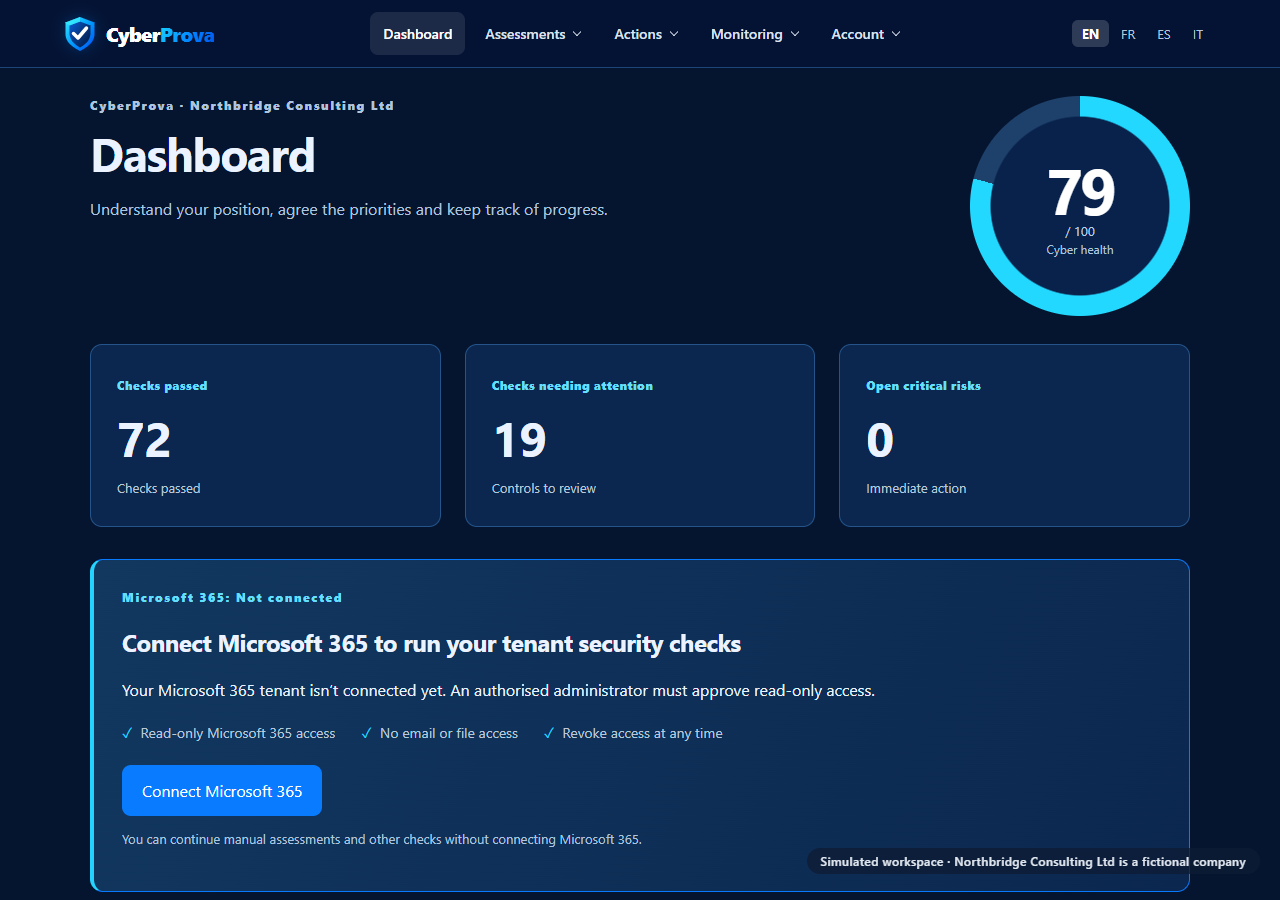
CyberProva brings selected read-only Microsoft 365 observations and provider evidence into an assessment your practice can review. You can request a record from your IT provider and decide whether it supports the control. Free includes 3 lifetime core assessments, evidence requests and an on-screen summary. Business and above add report exports, questionnaire workflows and remediation management. Your practice still reviews its accounting platforms and operational procedures separately.
See what a Microsoft 365 security assessment should cover →
See exactly what CyberProva checks · Learn how CyberProva assesses security · Review Microsoft permissions
Practical example
Example: prepare the practice for a payroll deadline
Illustrative evidence request for a practice that uses Microsoft 365 for client correspondence and a separate payroll platform. Adapt the scope and review date to your own engagement.
- Please identify the staff and provider accounts with access to our payroll correspondence and supporting client documents, including temporary staff.
- Supply dated MFA policy coverage and exclusions, the privileged-access review and the provider's review of forwarding destinations.
- Confirm backup coverage for the supporting files and identify the separate payroll platform's recovery owner. Provide the latest relevant restore-test result.
- The practice manager will review these records alongside a redacted example of how changes to client payroll details are authorised. Keep unanswered questions visible before the deadline.
What this cannot establish
- This is evidence preparation for selected controls. It does not certify professional-body compliance, validate accounts or tax submissions, or audit all of the practice's systems.
- A Microsoft 365 settings review cannot establish that a client instruction is genuine, that payment checks were followed or that a recovery will succeed. Those claims need operational evidence and appropriate review.
Common questions
Will CyberProva check our accounting or tax software?
The Microsoft 365 connection does not audit accounting, tax, payroll or client-portal platforms. Include those services in your wider scope and obtain evidence from their administrators or suppliers.
Can an assessment prevent business email compromise?
It can identify selected findings and missing evidence for review. It cannot guarantee that an account is uncompromised or that a payment instruction is authentic. Payment verification and incident investigation require their own processes.
Should we upload client tax returns as evidence?
Usually the useful evidence is a configuration report, access review or redacted process record. Avoid uploading client financial records, credentials or other sensitive material that is unnecessary to assess the control.
Do we need to replace our outsourced IT provider?
No. You can use the assessment and evidence requests to clarify the work your current provider delivers. Providers can submit evidence through a request link without a CyberProva account.
Official guidance
Use these sources with your IT provider when reviewing the controls described above.
From assumptions to evidence
See what needs attention in your organisation
Start with a free CyberProva assessment. Review the findings, identify evidence gaps and agree priorities with your IT team.
Free includes 3 lifetime core assessments. Report exports and advanced features require a paid plan.